Tasks Map
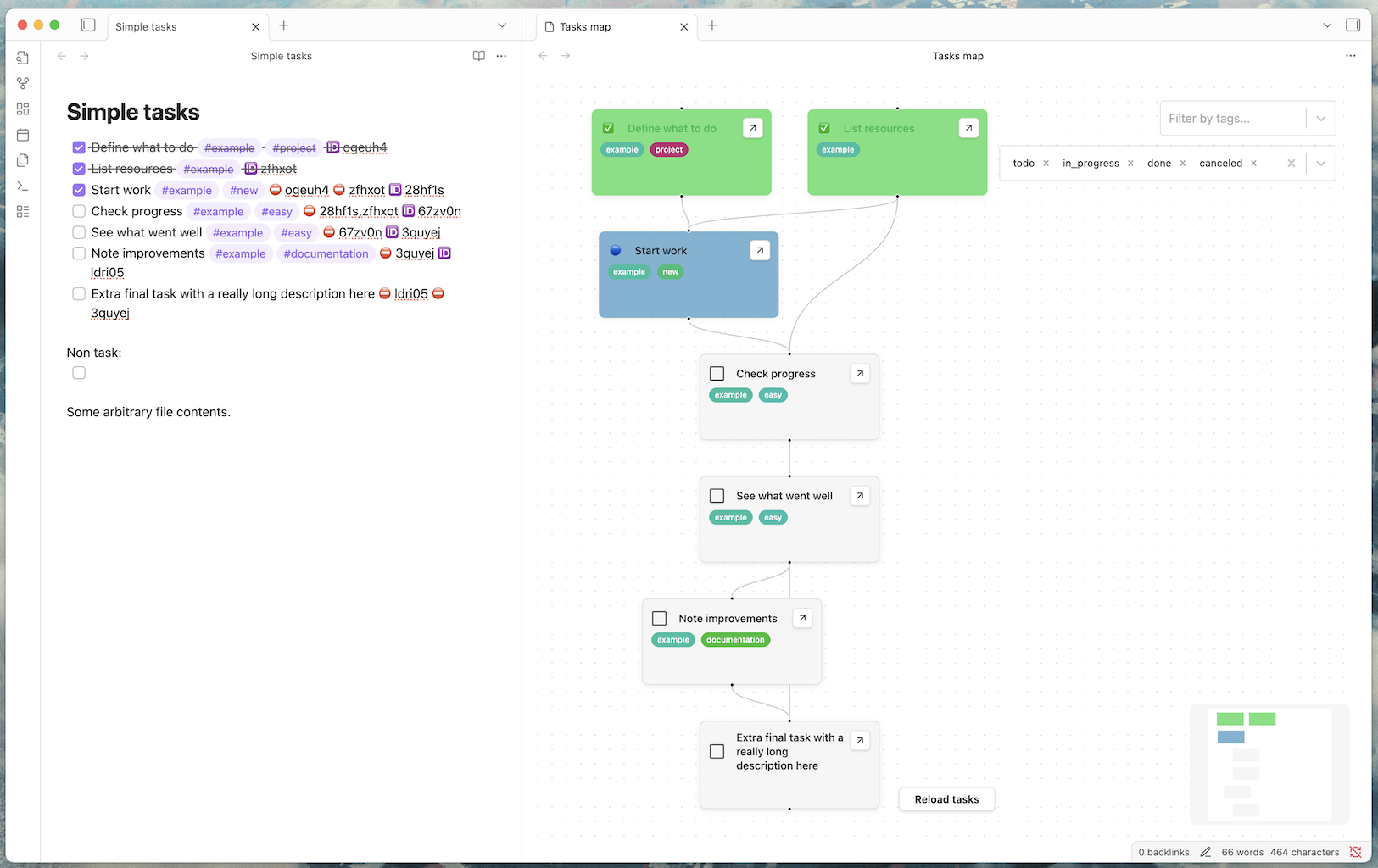
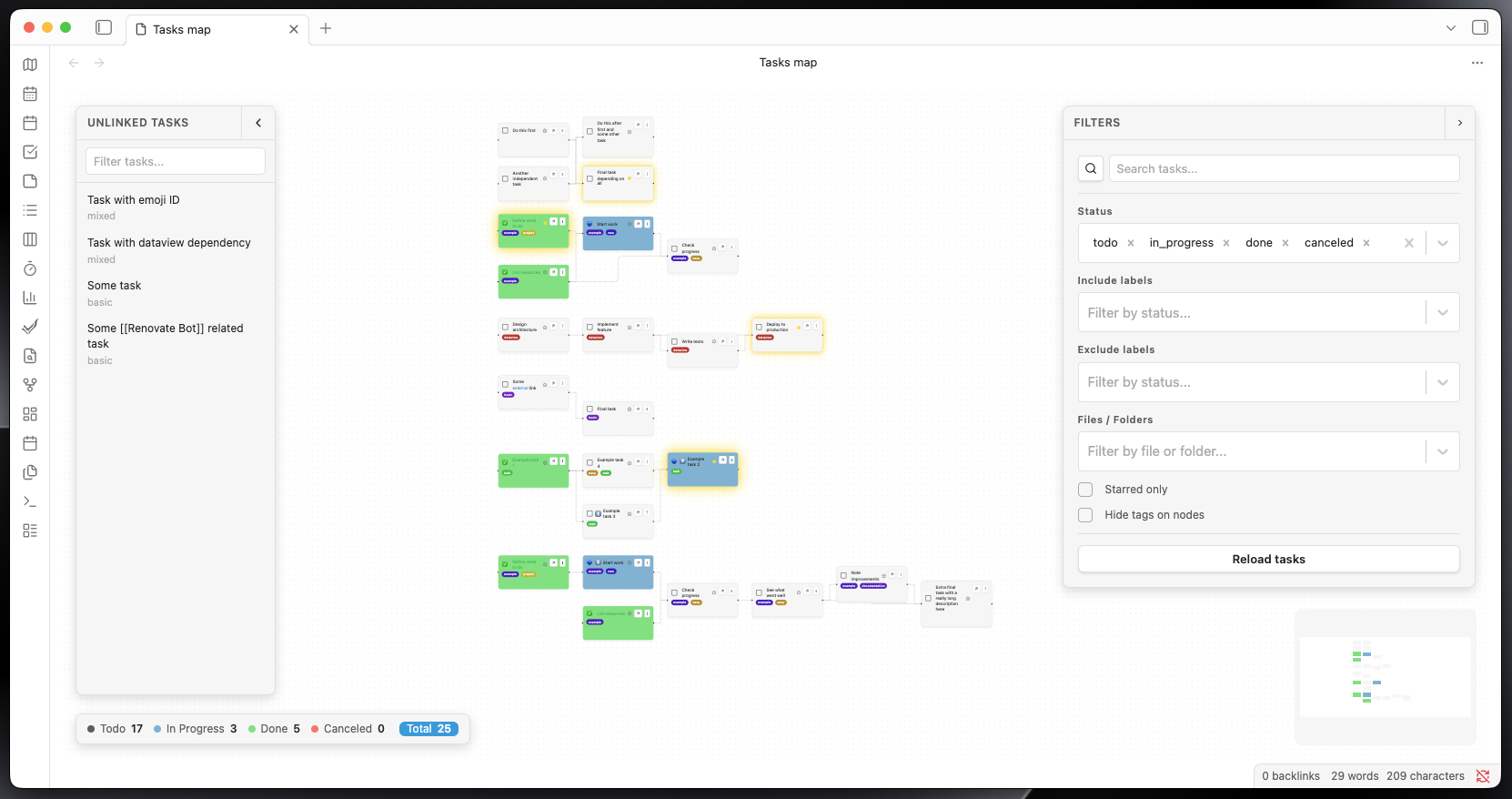
Tasks Map is an Obsidian plugin that visualizes your tasks as an interactive graph. It supports both inline checkbox tasks (- [ ] task text) via Dataview and file-based tasks (NoteTask) where an entire note becomes a task through frontmatter metadata. Each task is represented as a node, with edges showing relationships.
Note
Tasks Map is currently pre-v1.0. Interfaces such as the embed format, filter field names, and settings may change between releases before v1.0 is reached.
Features
- Graph Visualization: See all your tasks as draggable nodes in a React Flow graph.
- Dual Task Sources: Supports inline
- [ ]checkbox tasks (via Dataview) and file-based NoteTask notes — any note withtags: [task]in its frontmatter becomes a task node. - Custom Nodes: Each node displays task summary, tags, priority emoji, and completion status (color-coded).
- Task Relationships: Edges are created based on special emoji/link syntax (🆔 for outgoing, ⛔ for incoming, with hashes) for inline tasks, or
blockedBy/dependsOnfrontmatter fields for NoteTask notes. - Edge Management: Select and delete edges (removes the hash from both tasks/files).
- Tag Filtering: Filter visible tasks by tag using a multi-select dropdown overlay.
- Quick Navigation: Open the linked file for any task directly from the node.
- Task Completion: Mark tasks as completed/incomplete directly from the graph.
- UI Overlays: Modern overlays for tag filtering and reloading tasks.
- Priority & Emoji Support: Priority emoji (🔺, ⏫, 🔼, 🔽, ⏬) and robust emoji rendering.
- Automatic Layout: Uses dagre for clean, readable graph layouts.
- Internationalization: Support for multiple languages (English, Dutch, Simplified Chinese) with easy language switching in settings.